Practice Management Benefits
 Practice Management Features
 For Patients
 Enterprise



Effective management of provider and patient time
Comprehensive Practice Management Software
A Complete Practice Management Solution
Helping you manage your practice, time and revenue
We help you streamline management of your health practice
Appointment Scheduling with Online Appointments
Appointment Scheduling
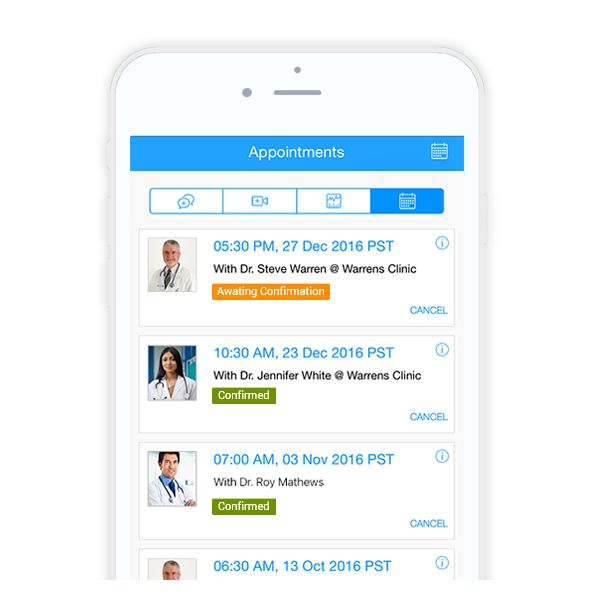
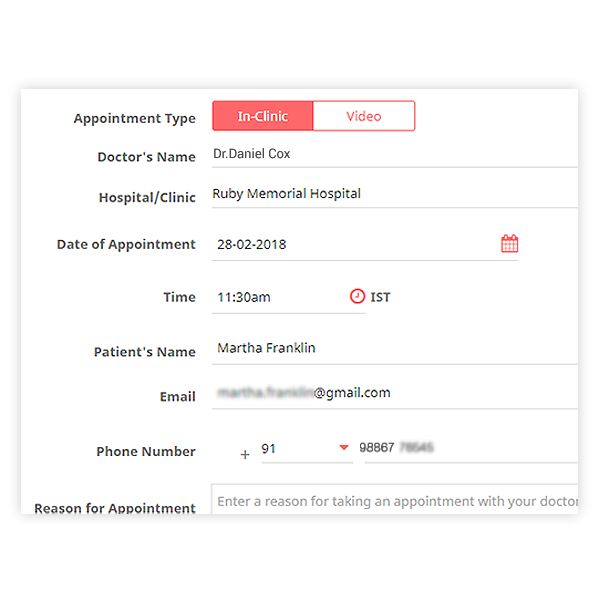
You or your staff can book appointments for your patients through the web or mobile app. This can be for clinic visits or online consultations.
Online Booking
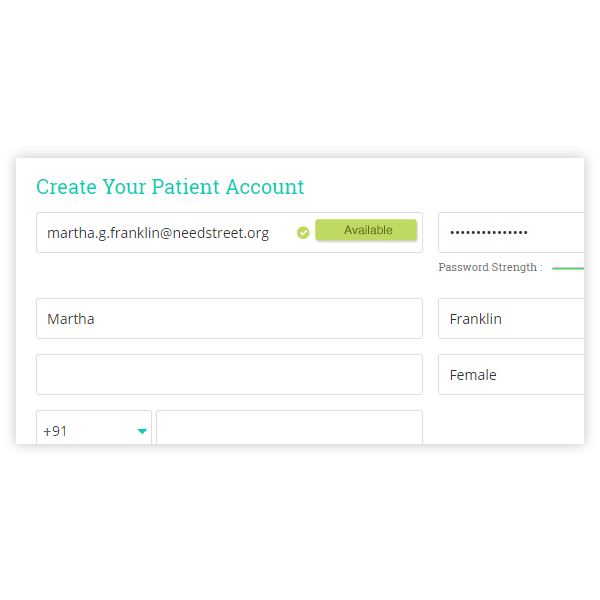
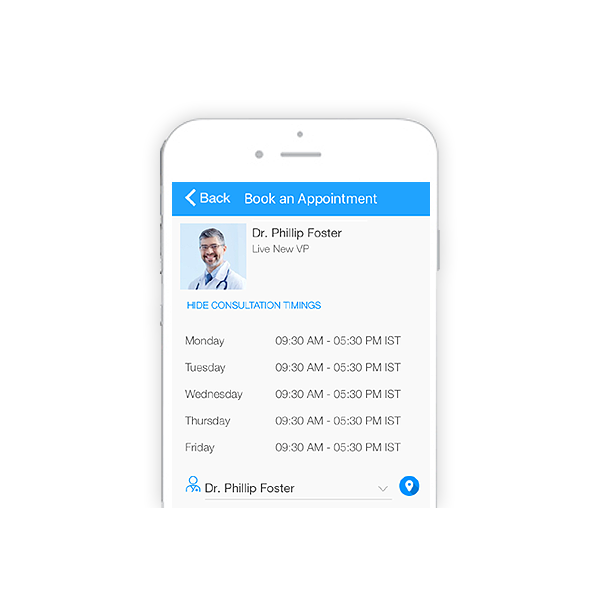
Your patients can also book appointments for consultations while viewing available health provider profiles and consultation timings. They can also list the reason for their appointment and update their Personal Health Records so you are well-aware of their health condition.
View schedule
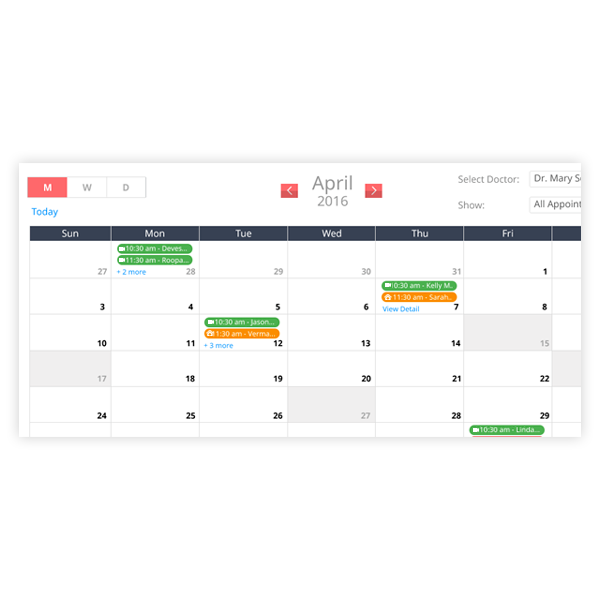
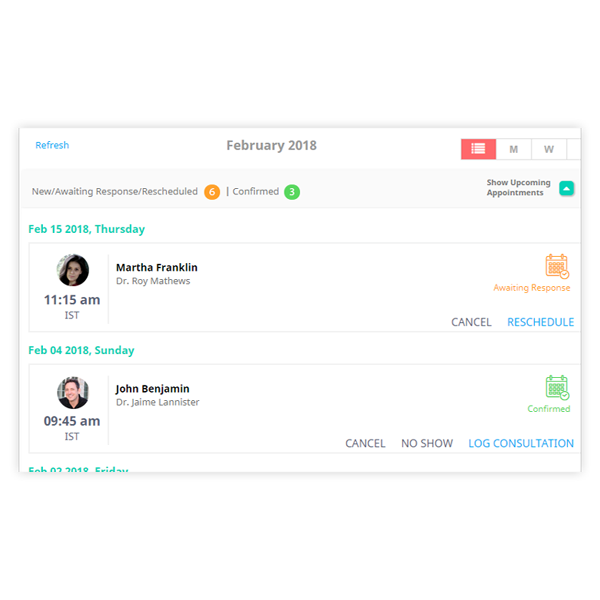
You can view the appointment schedule for the whole practice or selectively for specific health providers in a calendar or list view.
Update Status
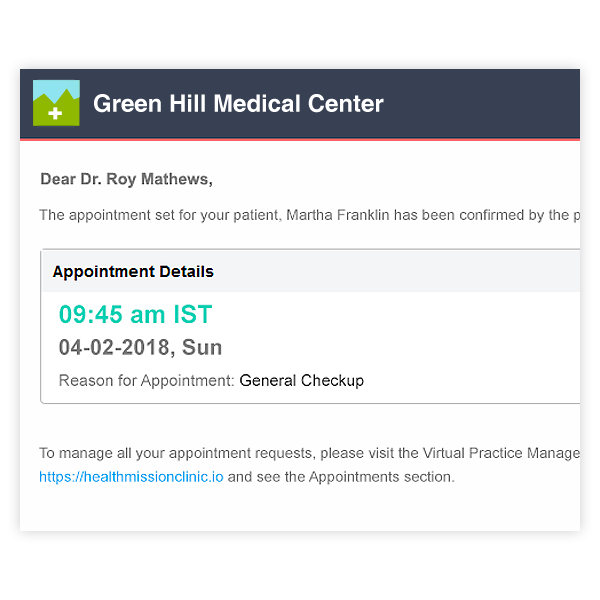
Your staff and patients can confirm, cancel or reschedule appointments. This will be alerted to you and the status can be viewed in different colours in your appointment calendar.
Reminders
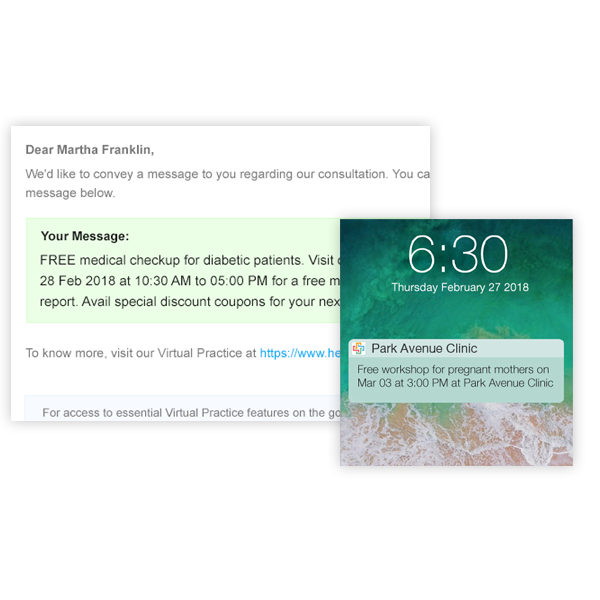
You and your patients receive SMS/Email/Push Notification reminders about upcoming appointments to ensure better time management and prevent no-shows.
View patient profiles
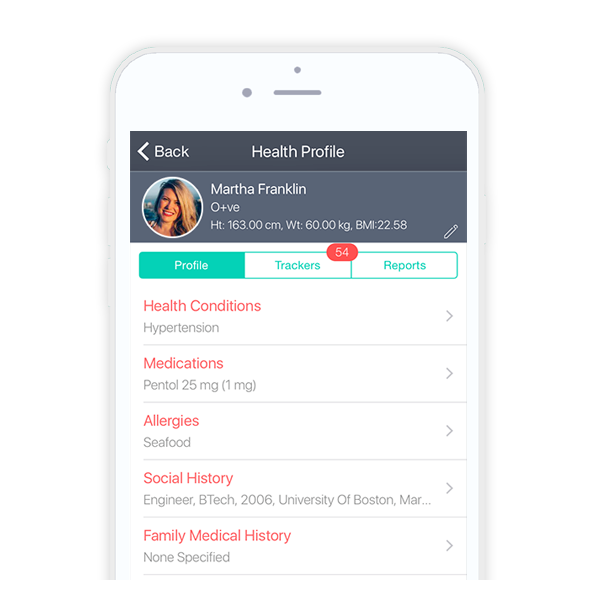
Patient profiles, including their medical history and health conditions can be viewed with a simple search to review their health records prior to the appointment.
Consultation Notes, Prescriptions and Billing
Record Consultations
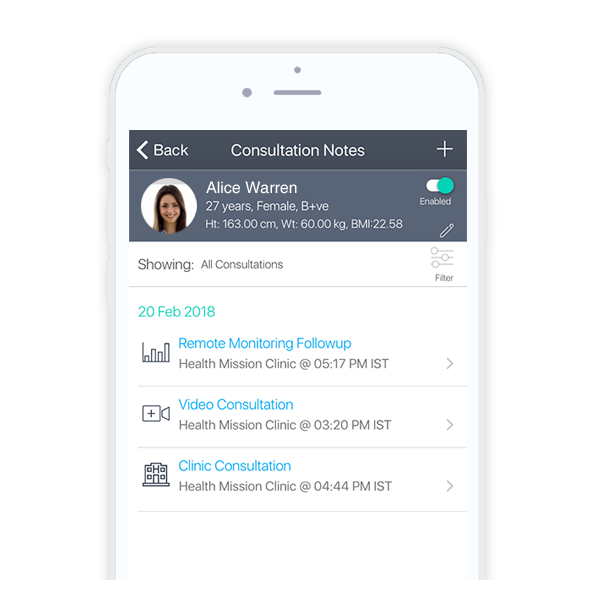
Create and share consultation notes based on the patient's health condition. Subscribe them to a monitoring plan, define goals and also book a follow-up appointment during clinic consultations.
e-Prescriptions
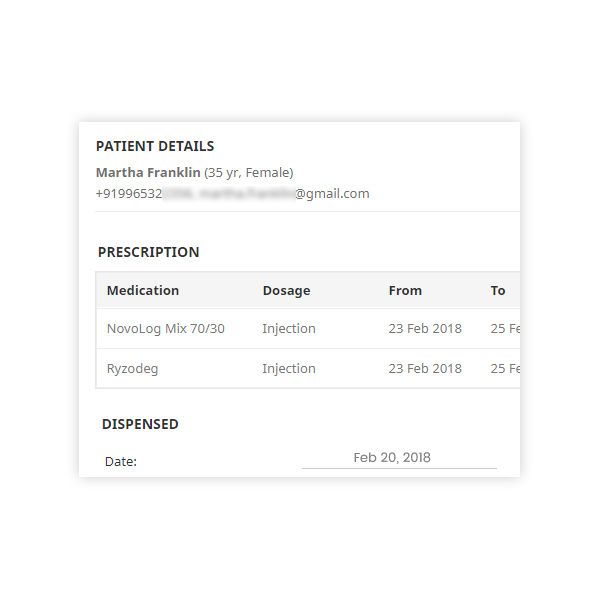
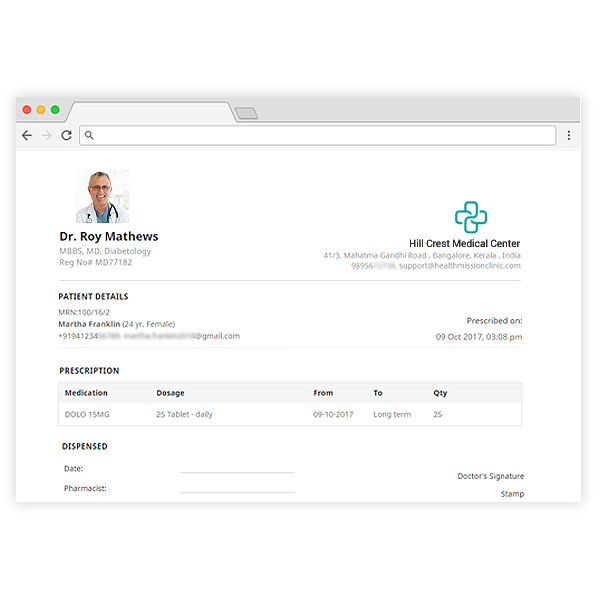
Create or modify medications and send e-prescriptions, along with consultation notes to your patients on your clinic letter-head.
Billing
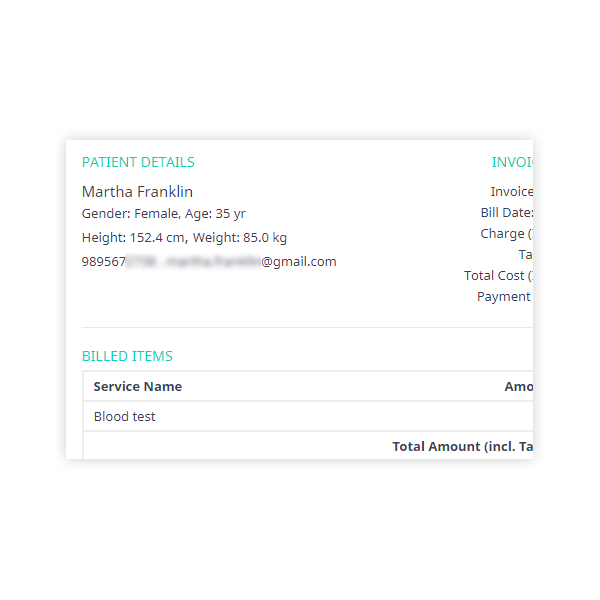
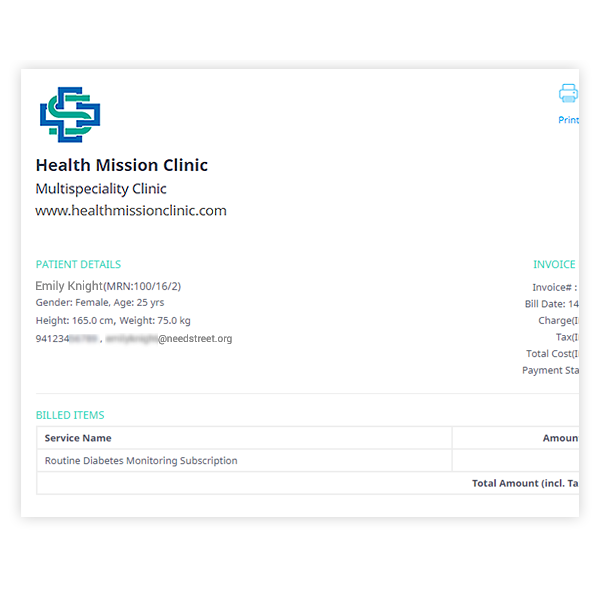
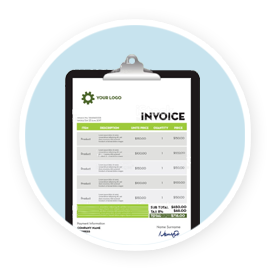
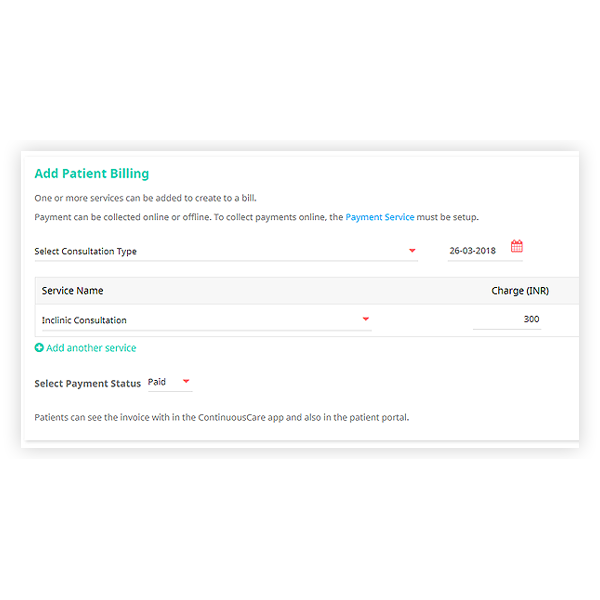
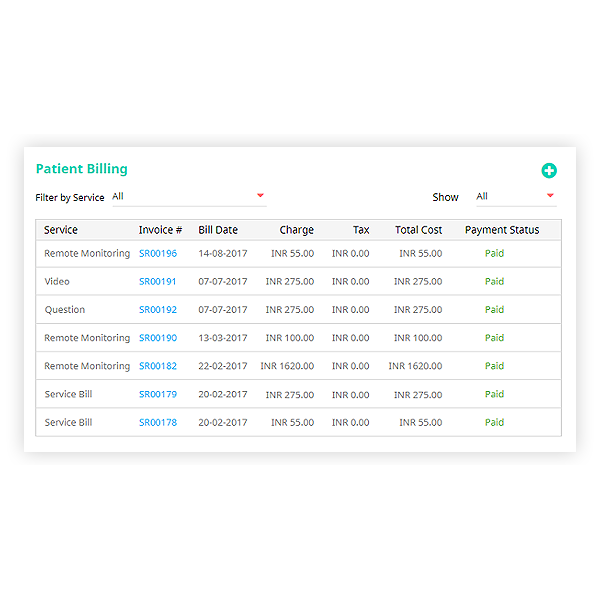
Consultation notes can also include invoices and bills for clinic consultations and services which patients can pay online. Bills and invoices are emailed with your clinic branding and logo on the letter-head.
Improve adherence
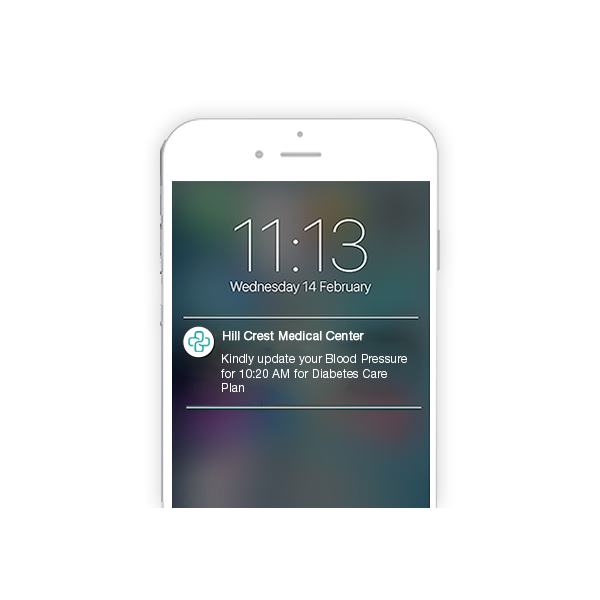
Email consultation notes with prescriptions and appointment reminders to help patients manage their health at home.

Patient Notifications made easy
Patient categorization
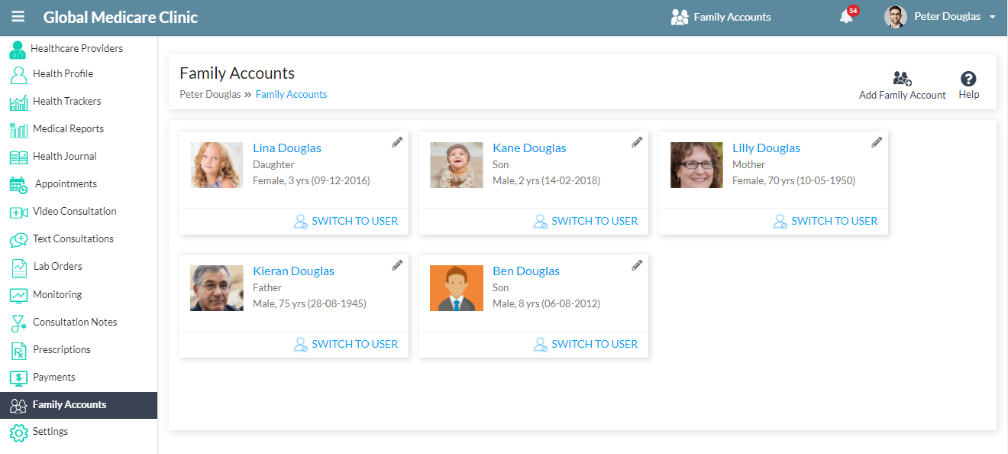
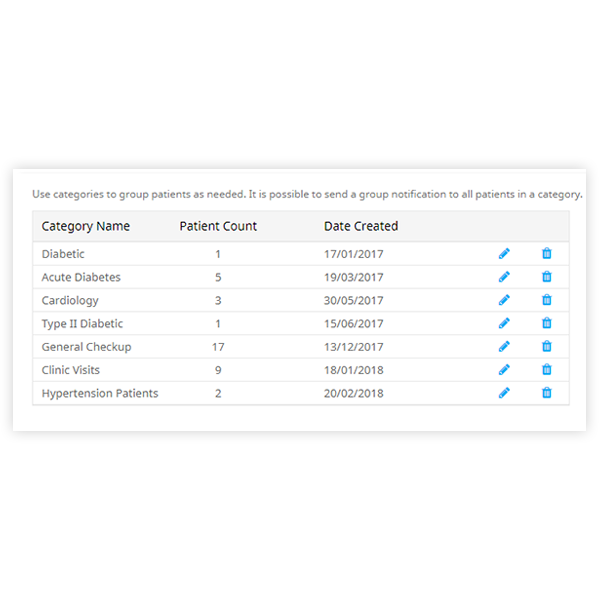
For easy access, you can categorize patients on your Virtual Practice based on health condition or treatment program. This allows you to communicate with specific groups of your patients.
In-App Notifications
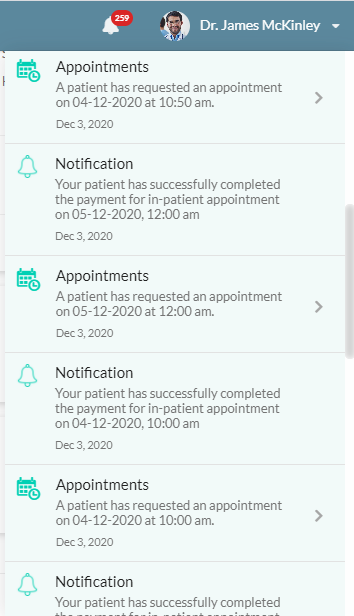
Event notifications are also available in the Notification Panel in the Web and Mobile Applications. Clicking on an in-app notification, would direct the patient to the associated appointment, treatment data, etc.
Mobile notifications
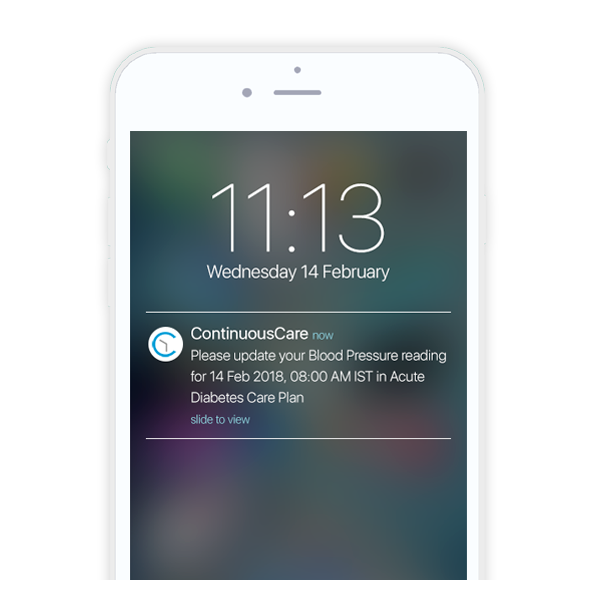
You can also send push notifications to your registered patients who use the ContinuousCare app or your custom patient app to engage with your Virtual Practice.

Branded Patient Portal

Custom domain
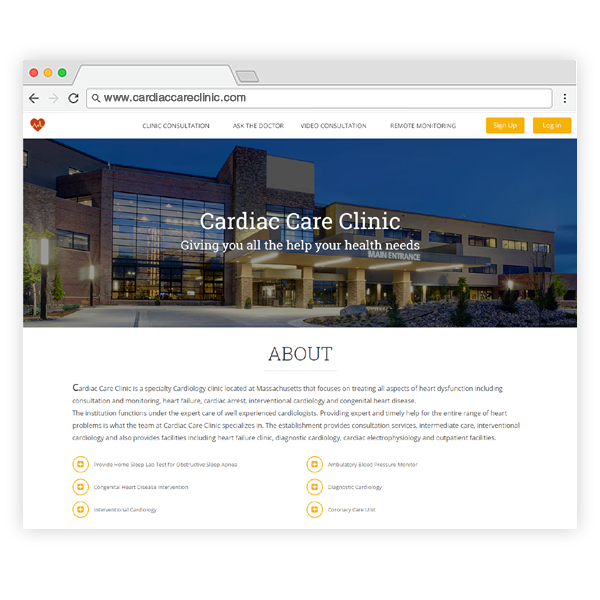
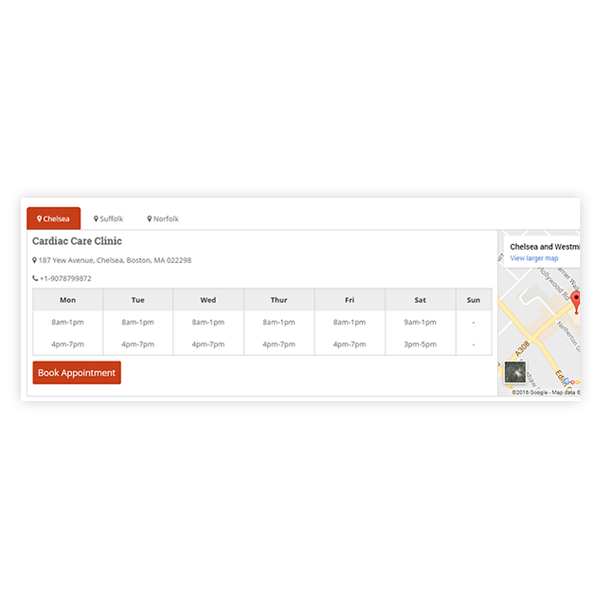
Your Virtual Practice includes a web patient portal for patients to register and engage with your practice, simplifying patient onboarding and engagement. Make this available at a custom domain of your choice (e.g. www.mypatientportal.com).
Easy Customization
Share information about your health practice, staff, services, referral programs; add logos, banner images, pictures, videos and patient testimonials to give visitors all the information they need on your customized portal.
Health blog
Post helpful health tips and articles for patients that may be relevant to their health management. Go the extra mile to show you care and improve patient satisfaction.
Track revenue generated with Reports
Costing
Define costs for all clinic services, on your Virtual Practice. This allows you to quickly generate invoices after consultations.
Reports
Review revenue reports for all your Virtual Practice services, all payments received from patients and identify the various services that are generating income for your practice.
Other benefits

Saves time for both you and your patients

Saves costs

Regular virtual follow-ups

Additional source of revenue
Practice Management Software Simplified
Start your FREE Practice Management Software Trial today. No hidden costs.
No credit card required





Technopark, Trivandrum