Allow patients to access your services on your very own patient portal
An online platform for patients to actively engage with your practice
The Virtual Practice Web Patient Portal
The web patient portal is accessible to patients from your Virtual Practice website, for them to securely access all of the services and capabilities of your Virtual Practice.
Through the patient portal, your patients will be able to

View your website and register with your Virtual Practice

Access their health profile

Book Appointments

Ask questions

Carry out Video Consultations

Access Remote Monitoring Plans

View Prescriptions

Make Payments
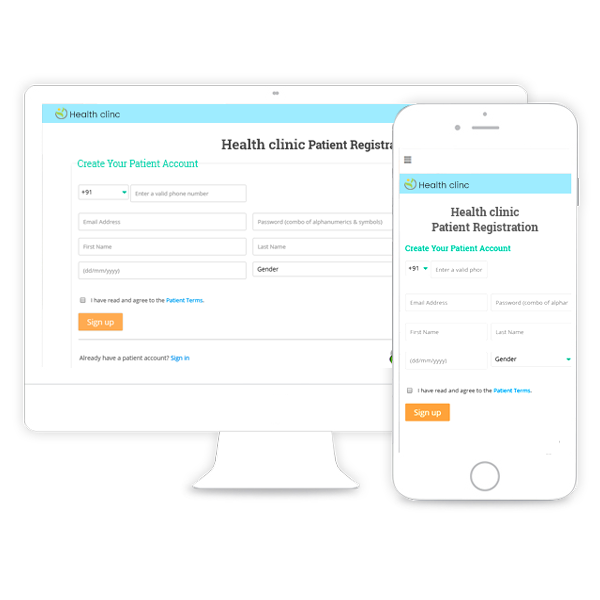
Website page for patient registrations
Your web patient portal is accessible from your Virtual Practice website page which showcases information about your practice, staff, displays patient testimonials and also displays your health blog. Your patients can register with your Virtual Practice on your website and access its services through the patient portal.
Make your website discoverable online with a custom domain address of your choice (eg. www.drsmith.com).
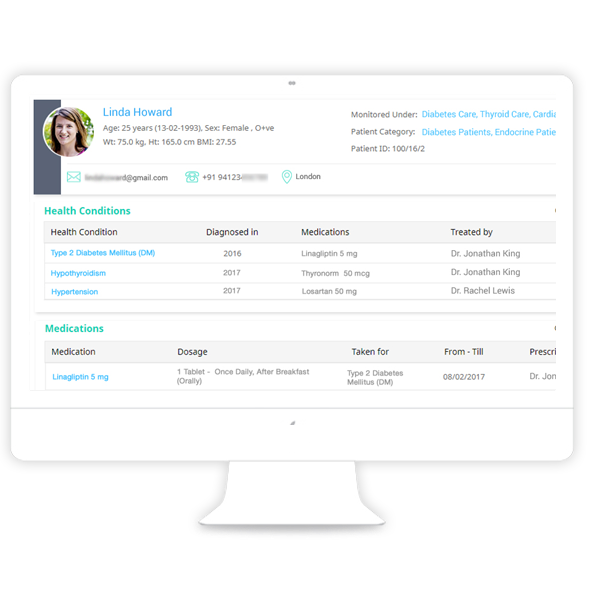
Access patient health profile
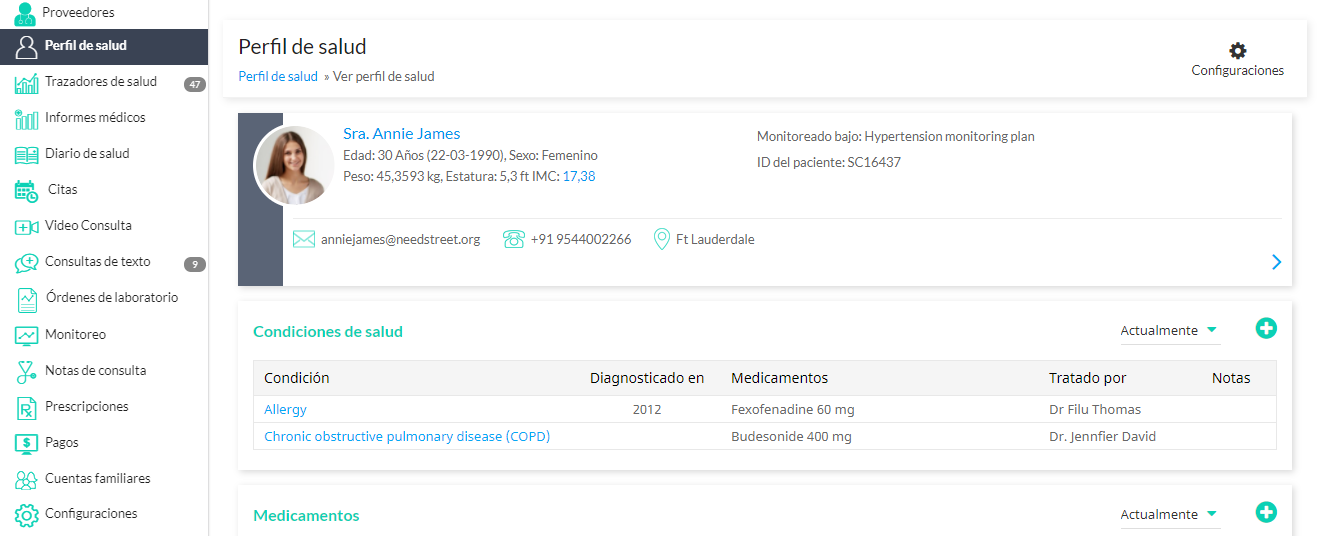
Once registered, your patients can visit the patient portal to access their health profile to update Personal Health Records (PHR), view prescriptions, medical reports and update details of their medical history.
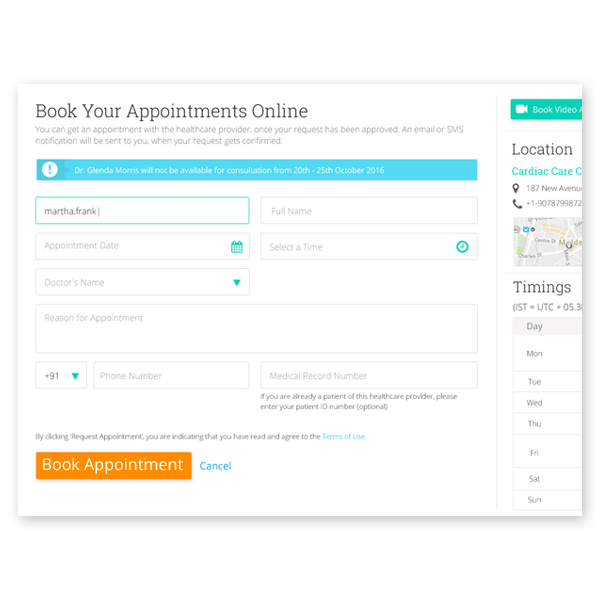
Book Appointments
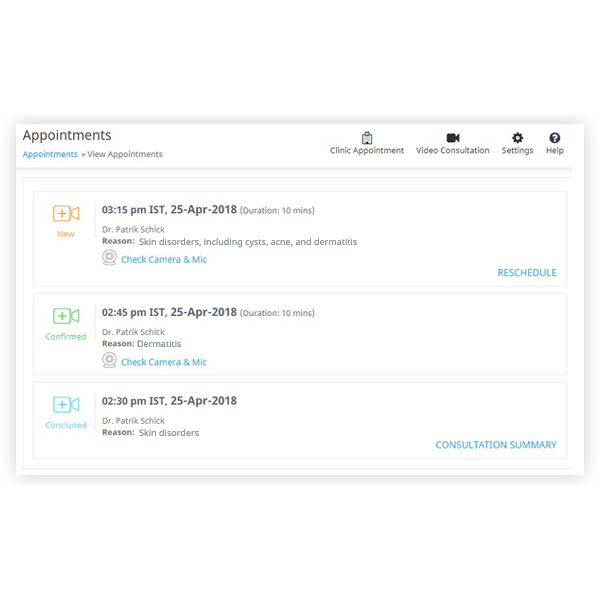
Your practice location and consultations timings will be visible to patients on your patient portal. Accordingly, they can book appointments with your practice for online or clinic consultations and view the status of their appointments by logging in to the patient portal.
Ask Questions
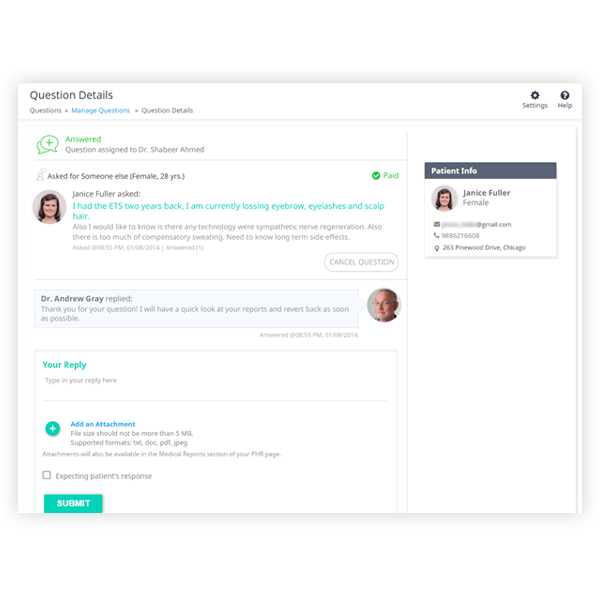
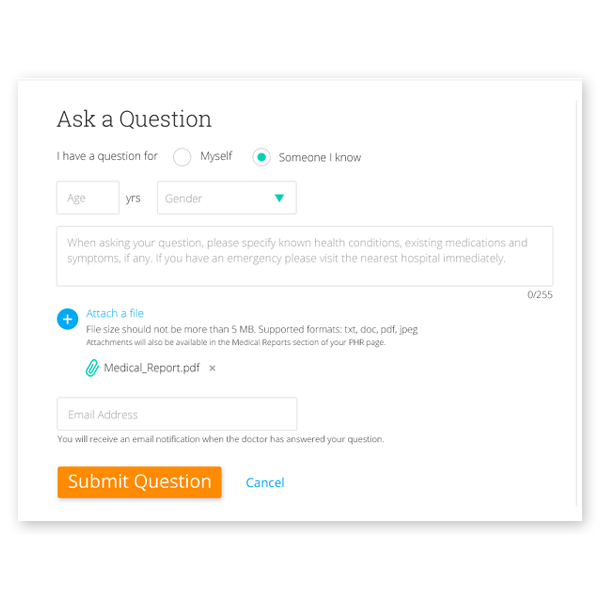
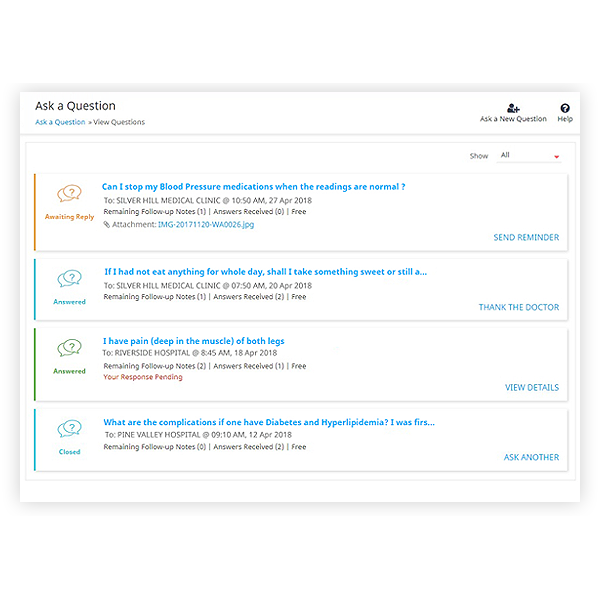
Your patients will be able to ask health-related questions through your patient portal. They can attach reports with their questions, ask follow-up queries and view your responses by logging in.
Video Consultations
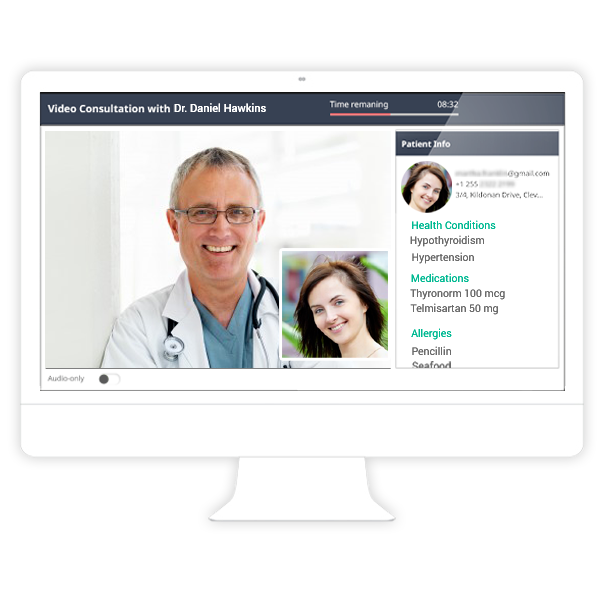
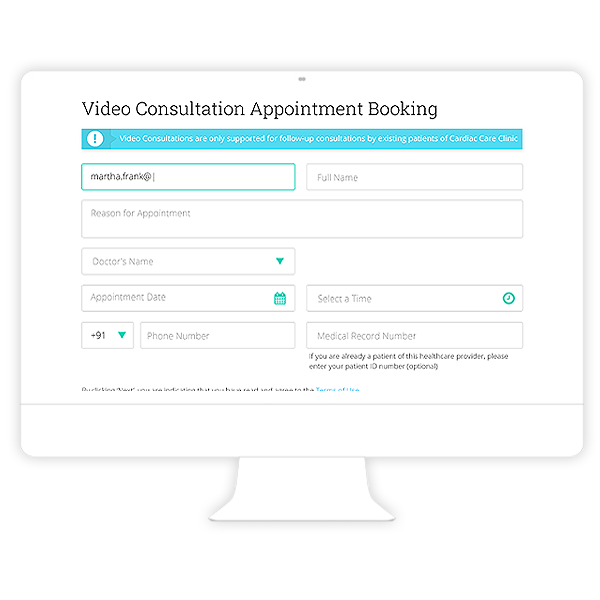
Your patients can book an appointment for Video Consultations and log in to the patient portal for their telemedicine session. Consultation summaries sent after a video session will also be available to them here.
Remote Monitoring
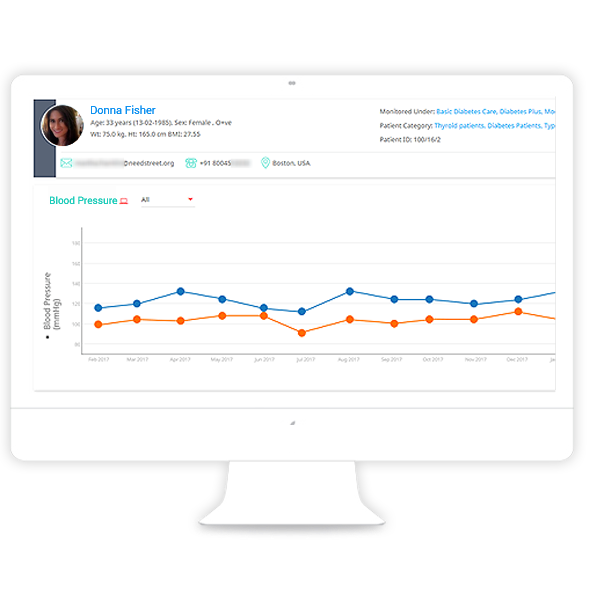
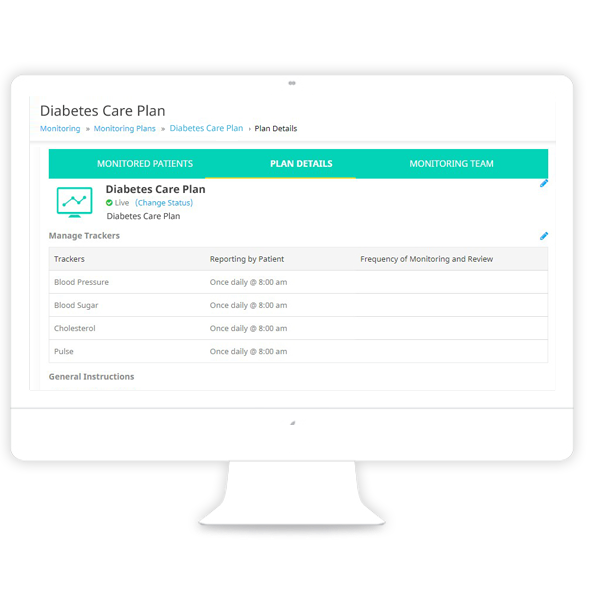
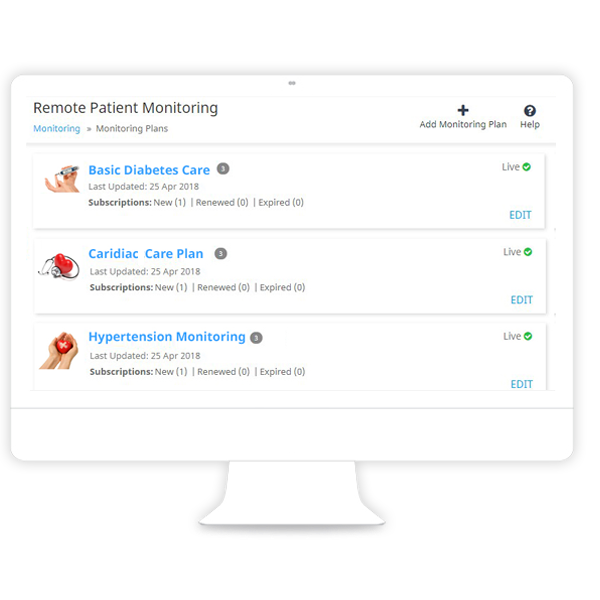
Details about your Remote Monitoring plans will be visible to patients on your website. They can manage subscriptions, update their health readings periodically through health trackers and access your review notes.
View Prescriptions
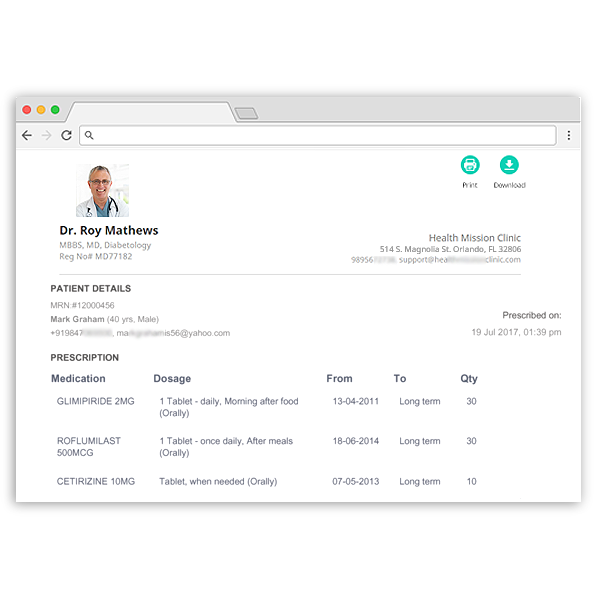
Details of existing or past e-prescriptions shared with your patients will be visible to them when they log in to your Virtual Practice patient portal.
Make Payments
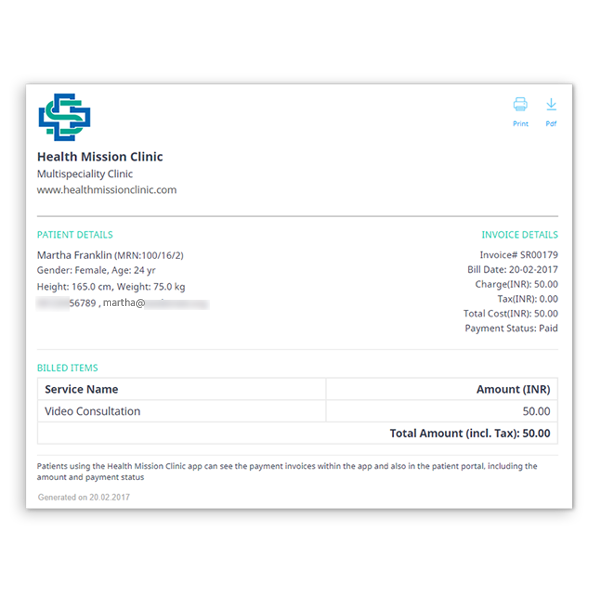
Patients can view the invoices for your health services in the patient portal. They can also make secure online payments for your Virtual Practice services.
Multilingual Support
Multiple Language support provides a better patient user interface based on locale. Let patients communicate easily in their preferred language.
We provide language support for English, Spanish, Brazilian Portuguese, French, Russian, Latvian and Thai in our Patient application interfaces. If you would like to see your local language supported in your Virtual Practice, please contact us.
ContinuousCare mobile app
In addition to your web patient portal, your patients can also access all of your Virtual Practice services and their Personal Health Records by logging into their account* on the ContinuousCare mobile app for patients.

Technopark, Trivandrum